Atomic Fast is Now on Android
Atomic Fast brings its fasting timer and food log to Android. See the core features, optional Health Connect, free AI limits, and platform-specific backup rules.
Last updated
Atomic Fast launched on Google Play on May 9, three days after the iOS launch. The Android app brings fasting and meal records into one native interface.
This remains the Android launch announcement. We have updated the feature descriptions below to reflect the source and documentation checked in October 2026, rather than leaving completed work listed as “coming next.”
Built for Android
The app uses Kotlin, Jetpack Compose and Material Design 3. Its navigation and controls are implemented for Android, while iOS uses its own SwiftUI interface. Both share the product’s core idea: record a fast, keep meal information nearby and review your own history.
Native implementations do not mean every platform feature is identical. Apple Watch, Live Activities, HealthKit and Health Connect belong to different platform environments. A feature on one should not be assumed to exist in precisely the same form on the other.
Start with the timer and food log
The fasting timer counts from the start time you choose. The main Start Fast button starts immediately with the displayed goal; More fasting options opens the other goal and start choices. The first-fast guide walks through those controls.
The phase display uses fixed hour bands. It is educational labeling based on elapsed time, not a sensor confirming ketosis or autophagy. Your meal record can contain manually entered food, database and barcode results, or estimates from optional AI tools. Barcode lookup and ordinary database search are not the same thing as AI meal analysis.
Water logging and the Daily timeline help organize recorded information. If you use both fasting and meal tracking, the two records answer different questions; neither guarantees a health or weight-loss outcome.
Health Connect is optional
On supported devices, Atomic Fast can connect to Health Connect with the permissions you grant. Available information depends on the records supplied by your other apps and devices as well as those permissions. An absent reading should not be treated as a measured zero.
The core timer does not need a live internet connection to count a fast. Online services such as AI meal analysis, food search and barcode lookup do need connectivity.
Free features and Atomic+
The timer, phase display and manual food logging are part of the free app. Optional AI scans are limited to seven successful scans per week on the free plan. AI photo, label and typed-meal tools share that allowance.
Atomic+ adds paid capabilities including cloud backup and expanded AI access. Check the app’s current purchase screen for the plans and prices available in your region; this announcement is not a current pricing table.
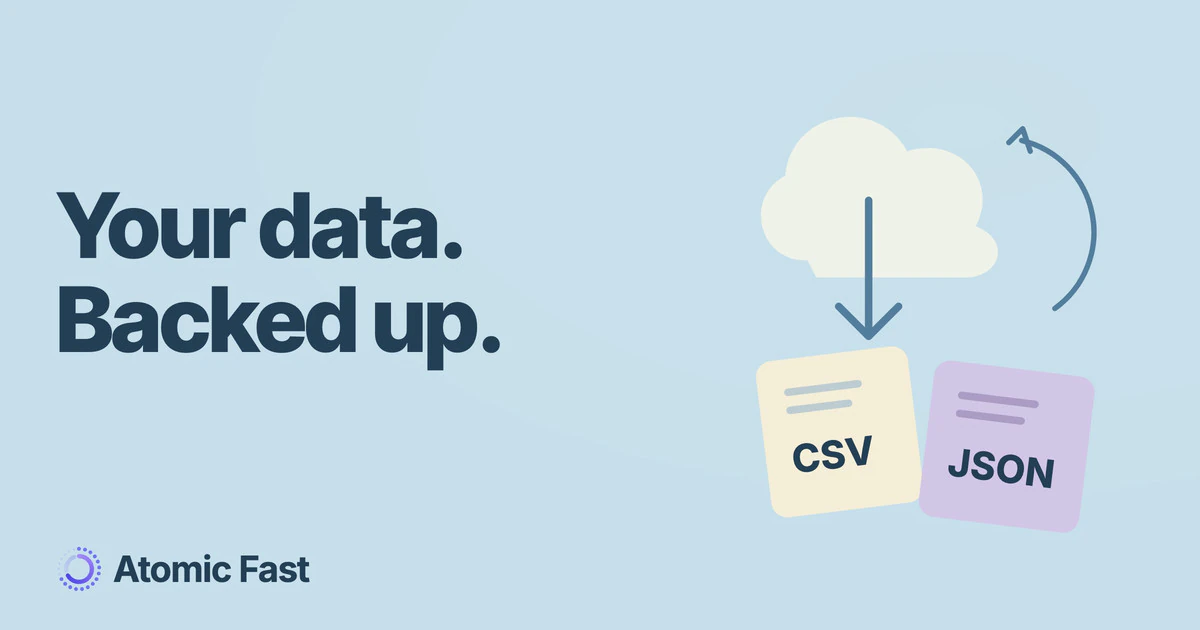
Cloud backup and export have since shipped. Android uses Google Drive, while iOS uses iCloud. Those backups do not create cross-platform live sync. The backup and export guide explains their scope and restore rules.
Keeping platform claims specific
We will keep checking product articles against the actual controls, tier rules and data paths. That matters more than a blanket promise of complete parity. If a guide depends on an iOS-only surface or a particular Android capability, it should say so where the instruction appears.
Sources and product notes
Product information checked: October 11, 2026.
Product verification: the Android timer, meal entry methods, AI allowance, Health Connect integration and Google Drive backup were checked against the current code and product reference. See the privacy policy for data handling. This review did not include an emulator or device walkthrough.
Atomic Fast is available on the App Store and Google Play.
Try Atomic Fast free
Track your fasts, log your meals, and see how they affect each other, on iPhone and Android.


 Scan to download