Atomic Fast Cloud Backup and Data Export Explained
Back up Atomic Fast with iCloud on iOS or Google Drive on Android. Learn what is included, how restore works, and what CSV and JSON exports can and cannot do.
Last updated
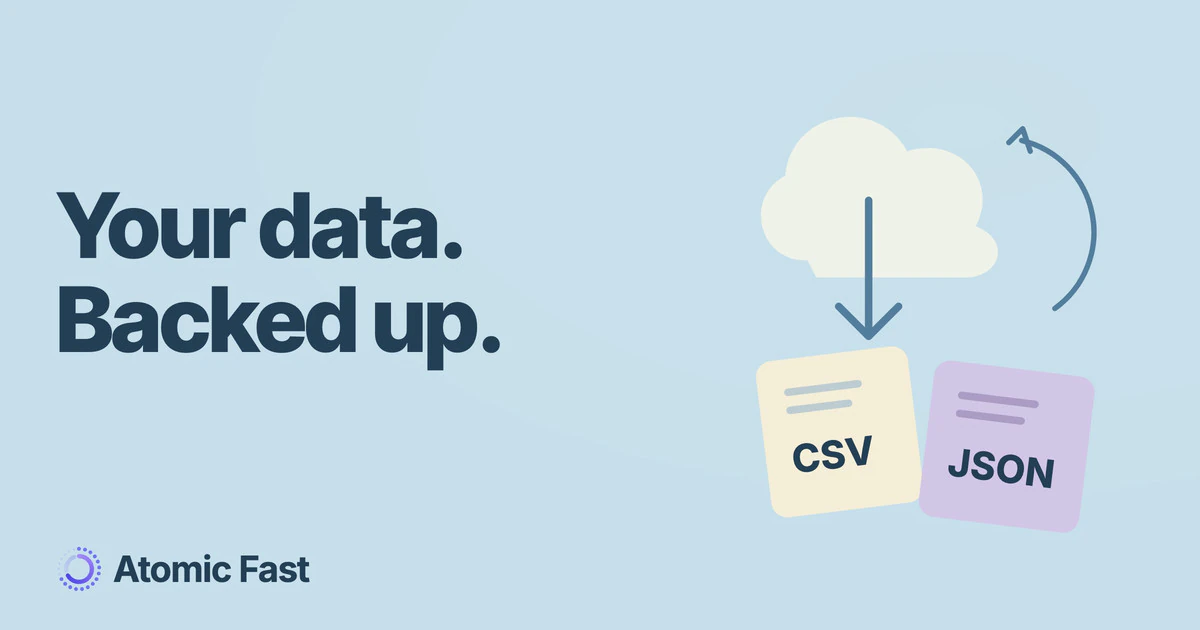
Your fasting history should not disappear with an old phone. Atomic Fast added cloud backup and data export after launch; this article now reflects the controls and limits checked in October 2026.
Atomic+ provides iCloud backup on iOS and Google Drive backup on Android, plus CSV and JSON export. These are platform-specific backups. They are not live sync between an iPhone and an Android phone.
What the backup contains
The backup includes fasting sessions and their metadata, meal records and items, meal-impact estimates, water logs, saved meals, custom foods, and the profile and preference fields supported by the backup format. Photos are copied separately from the structured data.
That is more precise than calling it “everything.” A backup is not a copy of the phone, every system setting or the whole Apple Health or Health Connect database. Successful transfer of the structured records also does not guarantee every photo copied successfully.
Where it is stored
On iOS, the app uses your personal iCloud container. You need iCloud available on the device. On Android, it uses Google Drive’s hidden app-data area after you authorize the connection; the files do not appear as ordinary documents in your Drive file browser.
The backing account matters. Use the same relevant iCloud or Google account when recovering that platform’s backup. The app’s sign-in account alone does not make the two storage providers interchangeable.
Our privacy policy describes the app’s data handling. Optional cloud backup is separate from the local timer and from optional AI meal analysis, which uses a remote service.
Check the backup before relying on it
In Me → Data & Privacy, the cloud section shows backup controls and sync status. You can enable backup, request Sync Now, or restore an available backup. Creating backups and restoring through settings require Atomic+.
Automatic backup depends on the app becoming active, the feature being enabled, account access and connectivity. The code checks whether roughly 24 hours have passed since the last sync. It is not a promise that a closed or offline phone will produce a new backup every day.
A fresh installation with an existing cloud backup offers a restore-or-replace choice. Read that choice carefully. Replacing uploads the current device’s data; restoring replaces local records with the backup. Check which copy you intend to keep before proceeding.
Restoring during setup
The onboarding flow can offer an existing backup before you finish setup. That specific recovery path is not subscription-gated, so an expired subscription does not prevent onboarding recovery of a backup you already made.
This differs from the restore control in settings, which is subscription-gated. Neither path is an import tool for moving an iCloud backup into Android or a Google Drive backup into iOS. Keep the original device and any independent exports until you have checked the restored records.
Exporting your records
Under Data & Privacy → Export Data, Atomic+ users can create CSV files for fasting sessions, meals or water, or a structured JSON export. Fasting CSV includes timing, goal, status and recorded metadata. Meal CSV includes the nutrition fields available in the record; an empty nutrient field is not a measured zero.
Exports are created locally and passed to the device’s sharing controls. Where they go next depends on the destination you choose. A spreadsheet file is useful for inspecting records, but it is not the same thing as a supported backup-restore file, and it does not contain a folder of your meal photos.
For the everyday records behind those files, see how to start a fast and why the app pairs a timer with a food log.
Frequently asked questions
Can I sync an iPhone and Android phone through these backups? No. iCloud and Google Drive backup are separate platform flows, not cross-platform live sync.
Does automatic backup run while my phone is offline? It cannot upload without the required connection and account access. Check the last successful sync before relying on a recent backup.
Can I restore after Atomic+ expires? The onboarding recovery path permits this for an existing backup. Restore from the settings screen requires an active subscription.
Can I import the CSV to restore the app? CSV export is for inspecting and keeping records. Use the supported cloud restore flow to recover an app backup.
Sources and product notes
Product information checked: October 11, 2026.
Product verification: the backup payload, sync guards, onboarding recovery and export controls were checked in both platform implementations. The privacy policy covers data handling; provider account access and the last successful backup still need checking on your device.
Atomic Fast is available on the App Store and Google Play.
Try Atomic Fast free
Track your fasts, log your meals, and see how they affect each other, on iPhone and Android.


 Scan to download